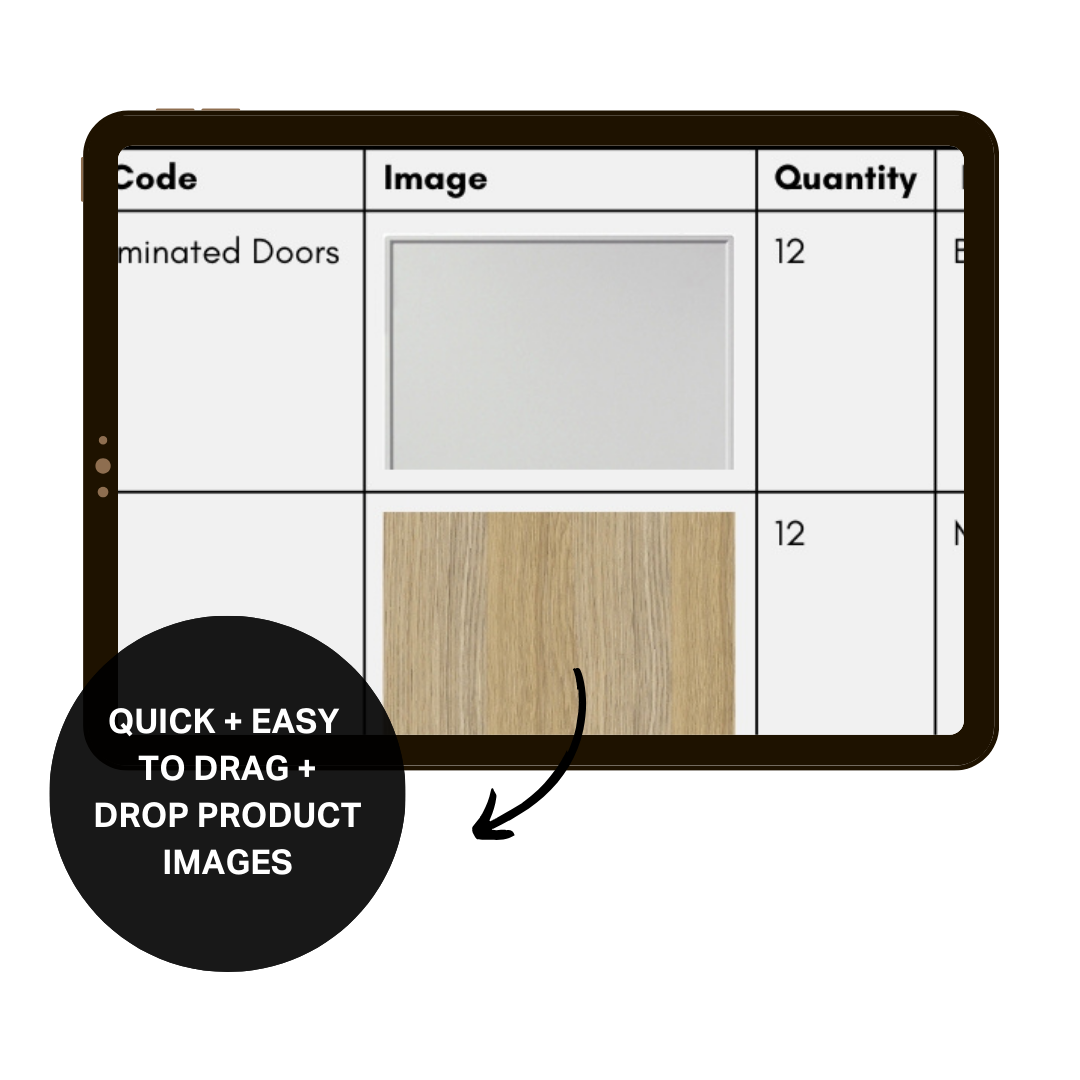
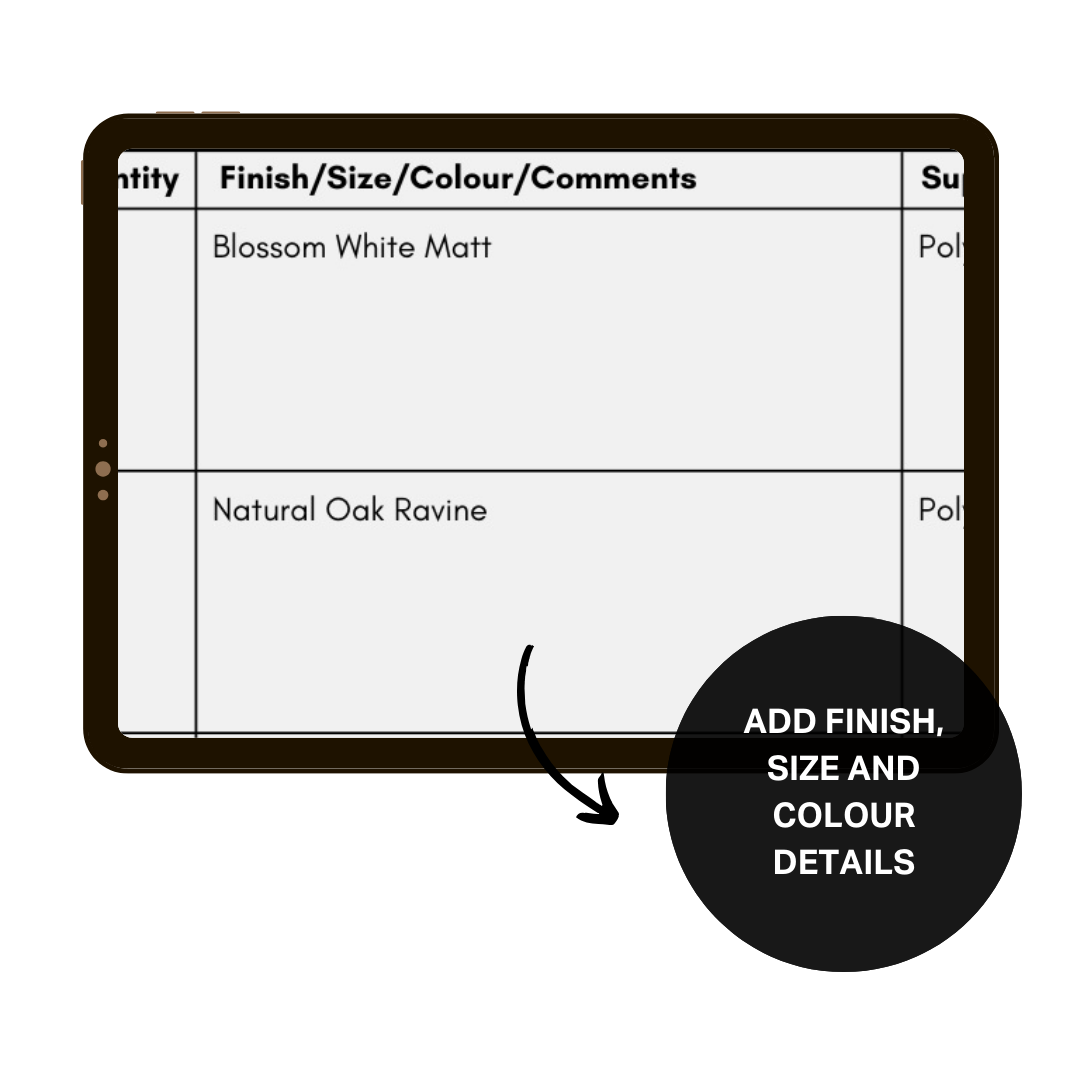
The Renovation Budget Tracker is a renovation budget template pre-loaded with over 200 items, from design fees and trades to tiles, tapware and furniture. It lets you plan your budget before you start, then track your real costs as quotes come in and you start paying. It totals everything for your whole renovation and for each room, so you always know where your budget stands.
What’s inside the tracker
You're never starting from a blank page. The items are grouped into 10 sections, each one a part of your renovation:
Planning and Site: design, approvals, demolition, skip bins and equipment hire
Builder, Trades and Materials
Cabinetry and Benchtops
Tiles and Flooring
Tapware, Sinks and Fittings
Electrical and Appliances
Windows, Doors and Blinds
Outdoor
Furniture
Other Costs
Every item has a place for your estimate while you plan, and your actual cost once you have a quote in writing or have paid. If the actual cost is higher than your estimate, it shows in red, so you see it the day the quote lands, not when the money's gone.
If a builder is quoting the whole job, their total goes in as one line, and you only add what isn't in their quote, like your appliances or furniture. Items you don't need stay empty.
Short notes beside some items point out the costs that are easy to forget.
A summary page adds it all up for you, by section, by room and in total, with your estimate and your actual cost side by side. Each item can be given a room, like the kitchen or ensuite, so you see what each room is costing you. Your contingency, the money you set aside for surprises, is added to your total at the percentage you choose. All amounts are entered including GST.
Who it's for
The tracker works for homeowners renovating or building, whether you're working with a builder or managing the trades yourself.
It's built for you if:
You don't know what your project will actually cost.
You've started planning, and costs feel like they're getting out of control.
You're juggling quotes and need one place to track everything.
I built this tracker for my own renovations and developments and I've used to keep every one of them on budget for around 20 years.
For typical figures, here’s what a renovation costs in Australia, and what to set aside in your renovation budget.
It works best in Excel on a computer. It also opens in Google Sheets and Apple Numbers, but some features may not work the same way.
The Renovation Budget Tracker is a renovation budget template pre-loaded with over 200 items, from design fees and trades to tiles, tapware and furniture. It lets you plan your budget before you start, then track your real costs as quotes come in and you start paying. It totals everything for your whole renovation and for each room, so you always know where your budget stands.
What’s inside the tracker
You're never starting from a blank page. The items are grouped into 10 sections, each one a part of your renovation:
Planning and Site: design, approvals, demolition, skip bins and equipment hire
Builder, Trades and Materials
Cabinetry and Benchtops
Tiles and Flooring
Tapware, Sinks and Fittings
Electrical and Appliances
Windows, Doors and Blinds
Outdoor
Furniture
Other Costs
Every item has a place for your estimate while you plan, and your actual cost once you have a quote in writing or have paid. If the actual cost is higher than your estimate, it shows in red, so you see it the day the quote lands, not when the money's gone.
If a builder is quoting the whole job, their total goes in as one line, and you only add what isn't in their quote, like your appliances or furniture. Items you don't need stay empty.
Short notes beside some items point out the costs that are easy to forget.
A summary page adds it all up for you, by section, by room and in total, with your estimate and your actual cost side by side. Each item can be given a room, like the kitchen or ensuite, so you see what each room is costing you. Your contingency, the money you set aside for surprises, is added to your total at the percentage you choose. All amounts are entered including GST.
Who it's for
The tracker works for homeowners renovating or building, whether you're working with a builder or managing the trades yourself.
It's built for you if:
You don't know what your project will actually cost.
You've started planning, and costs feel like they're getting out of control.
You're juggling quotes and need one place to track everything.
I built this tracker for my own renovations and developments and I've used to keep every one of them on budget for around 20 years.
For typical figures, here’s what a renovation costs in Australia, and what to set aside in your renovation budget.
It works best in Excel on a computer. It also opens in Google Sheets and Apple Numbers, but some features may not work the same way.


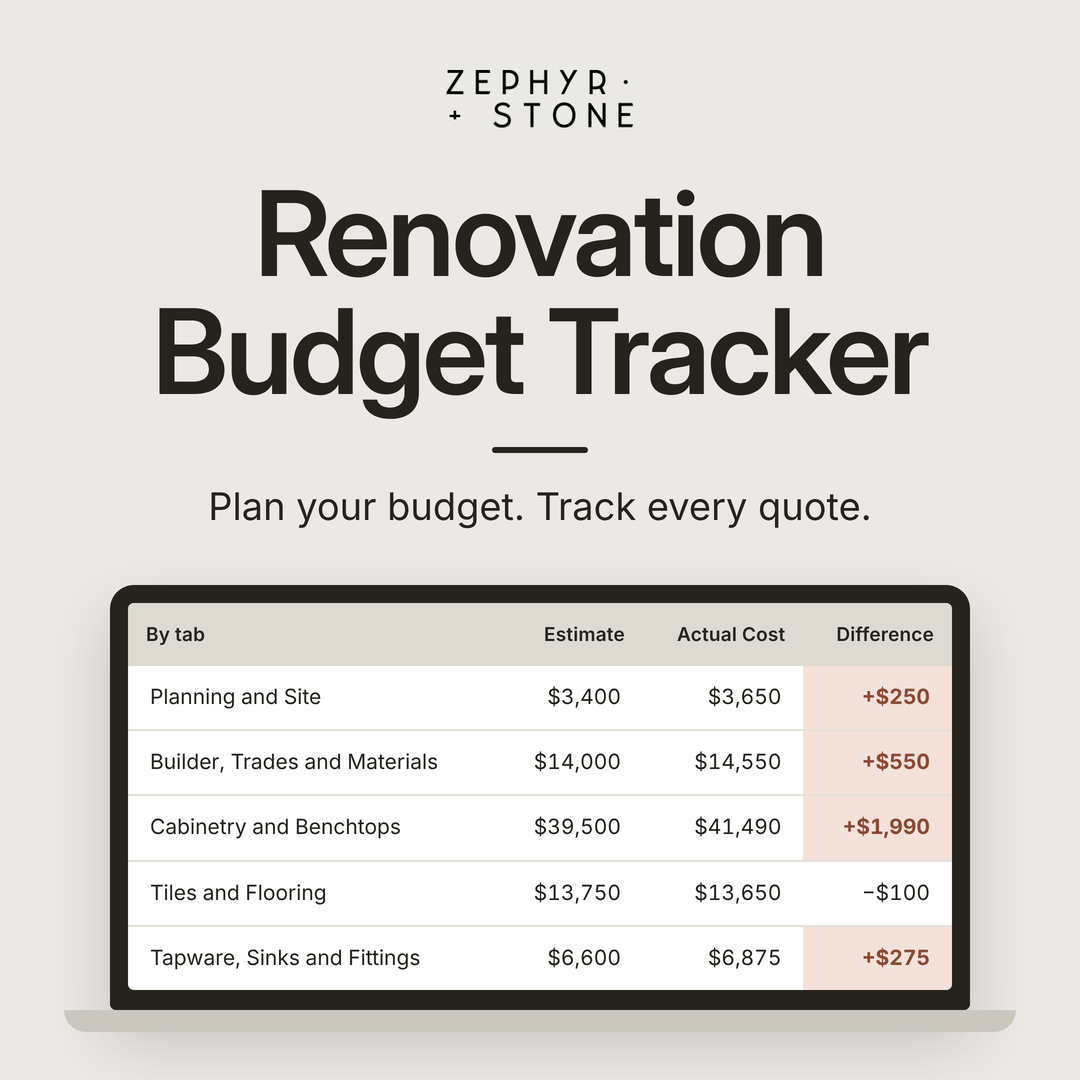 Image 1 of 9
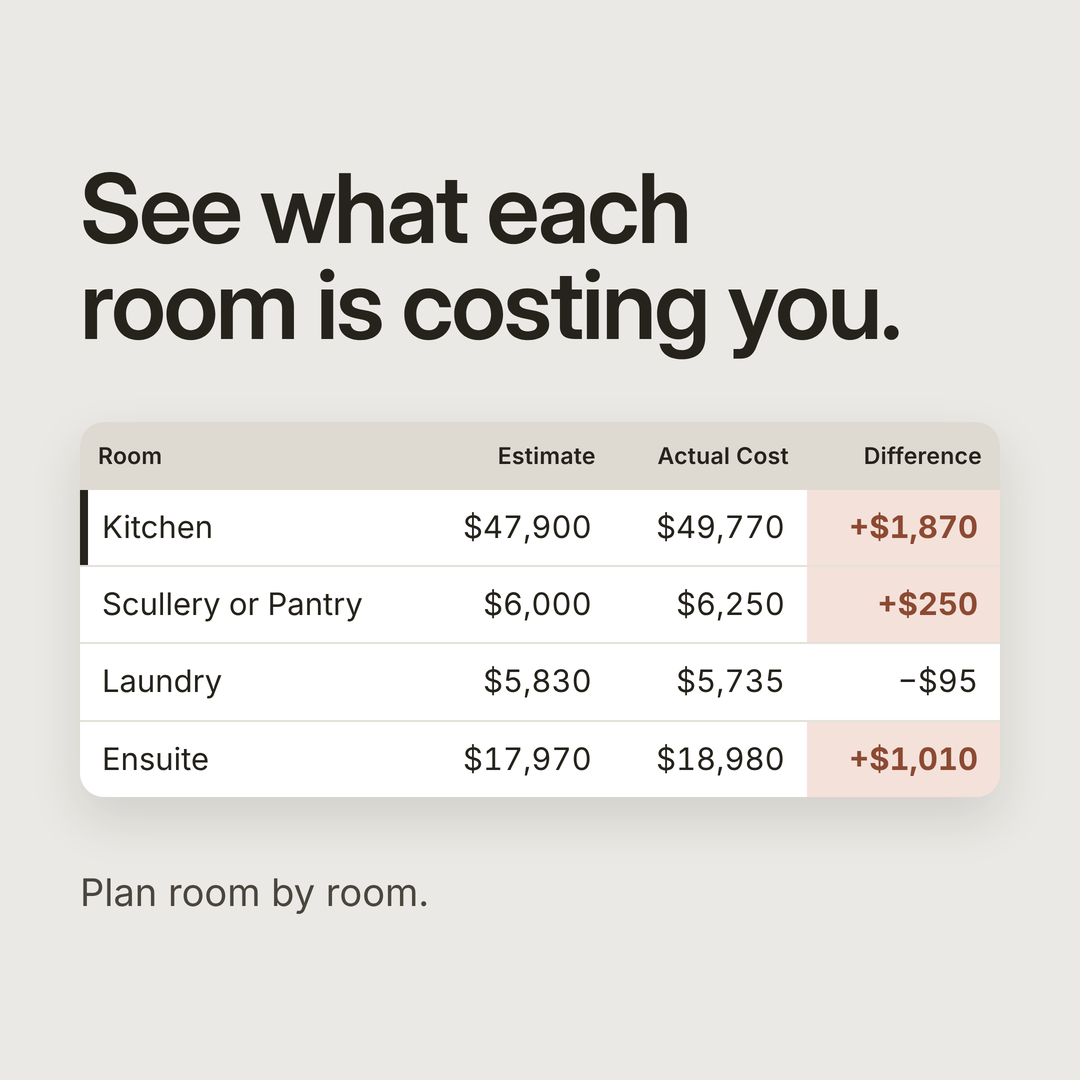 Image 2 of 9
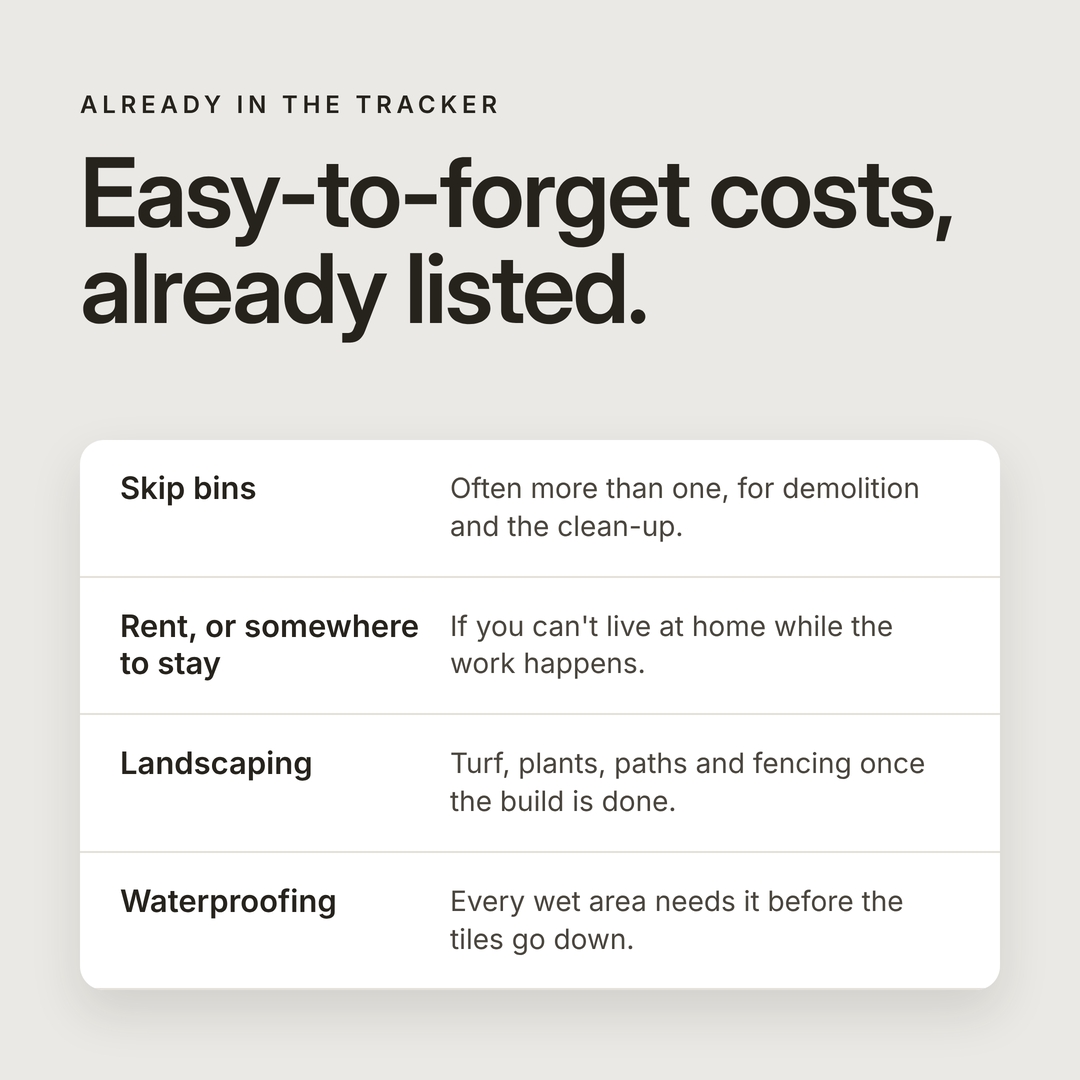 Image 3 of 9
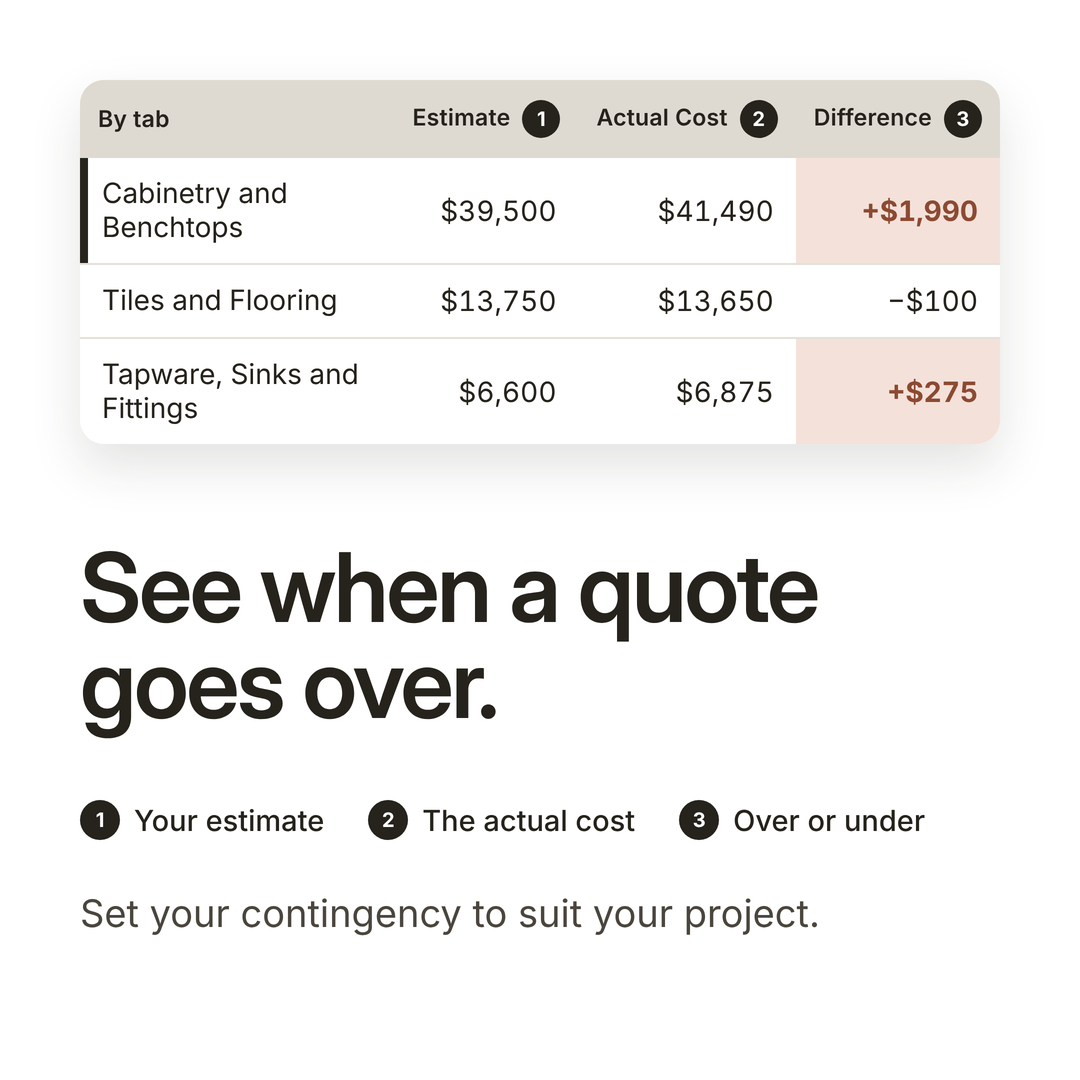 Image 4 of 9
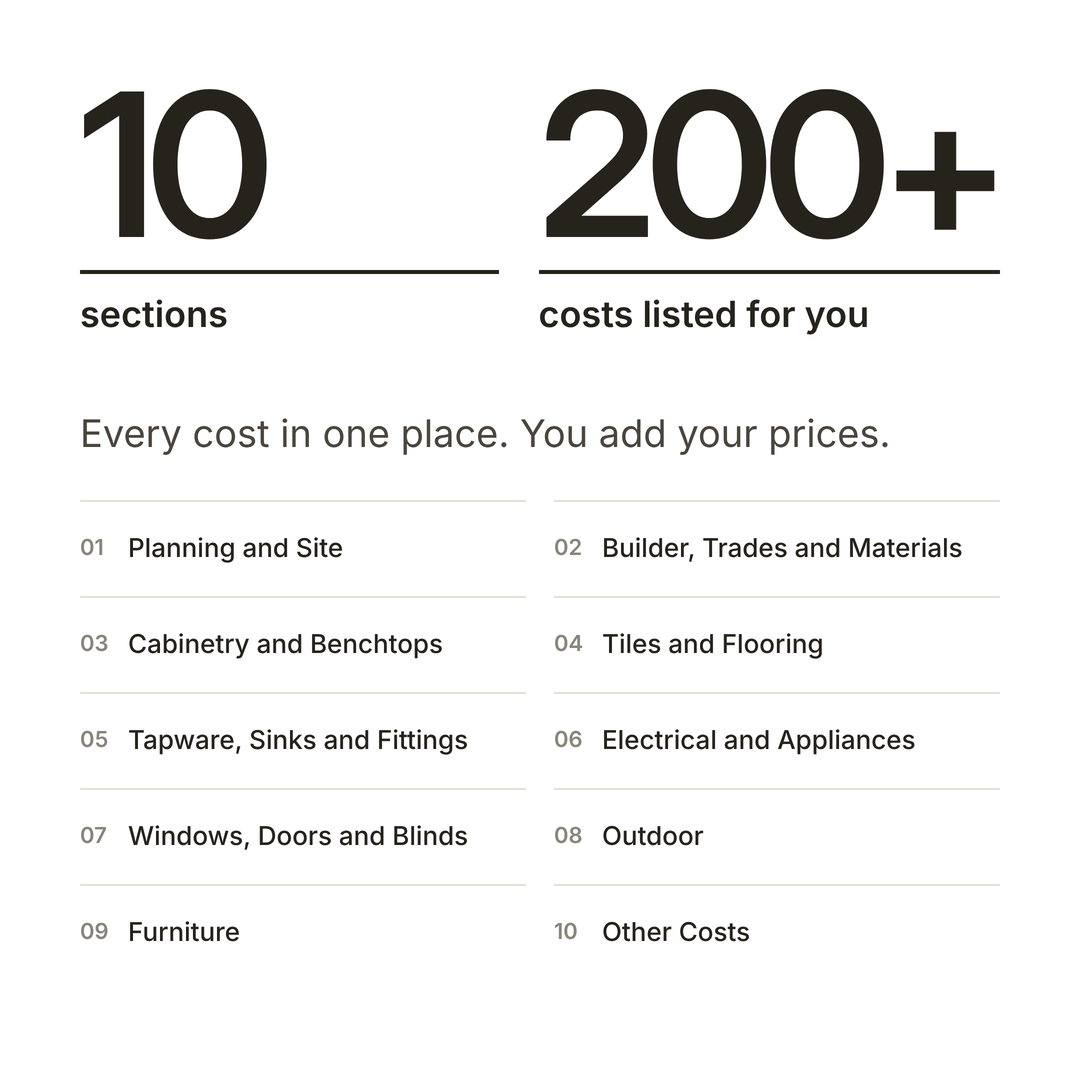 Image 5 of 9
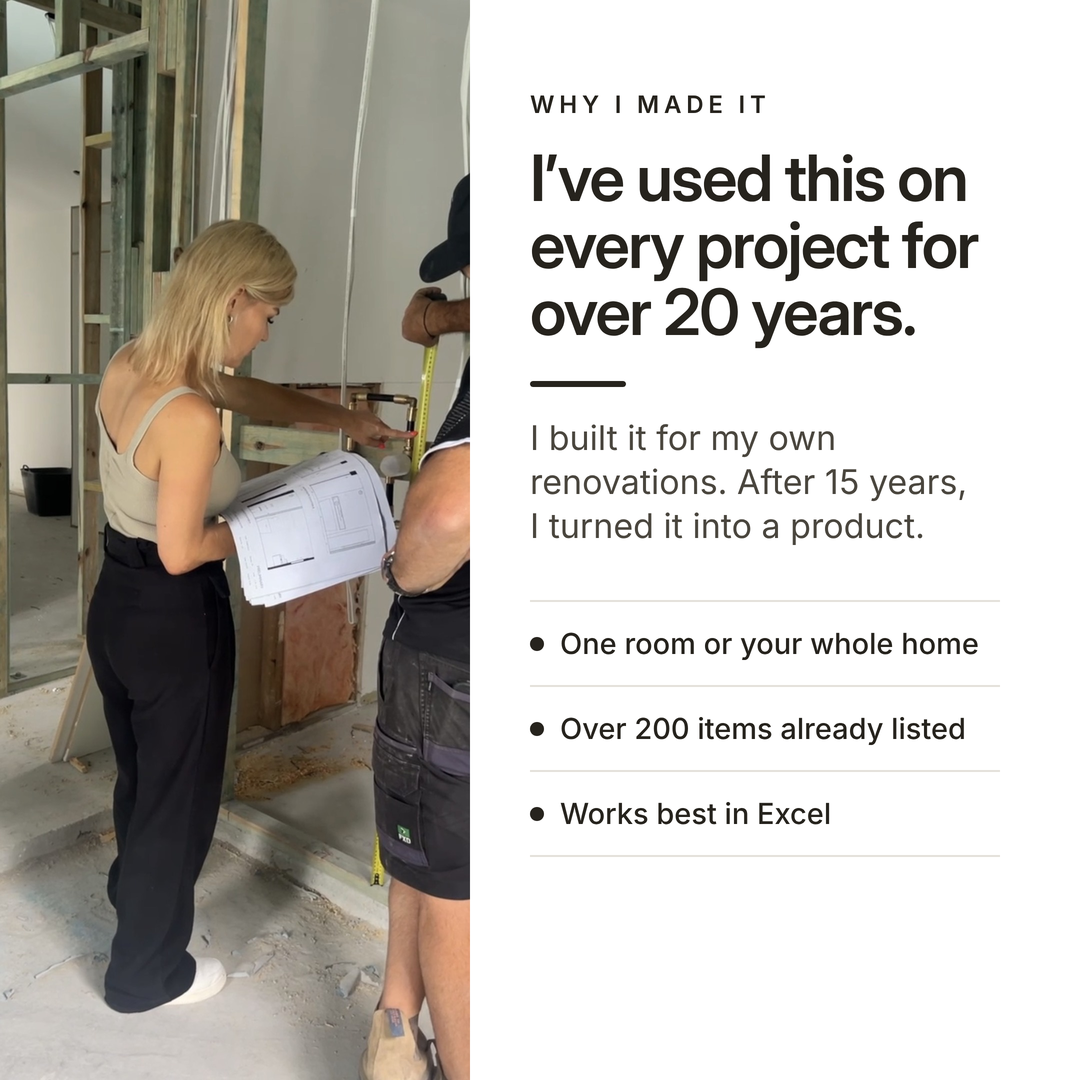 Image 6 of 9
 Image 7 of 9
 Image 8 of 9
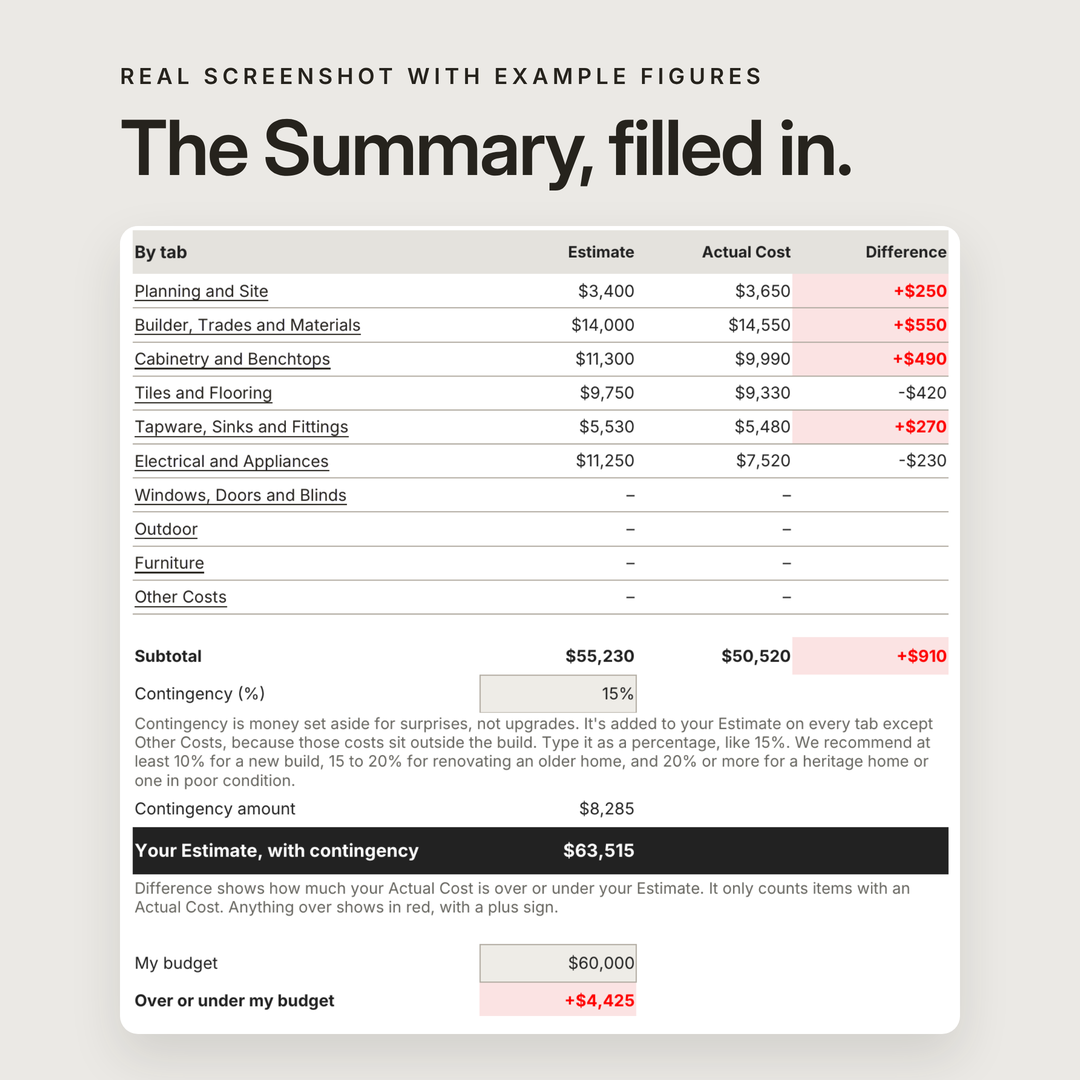 Image 9 of 9